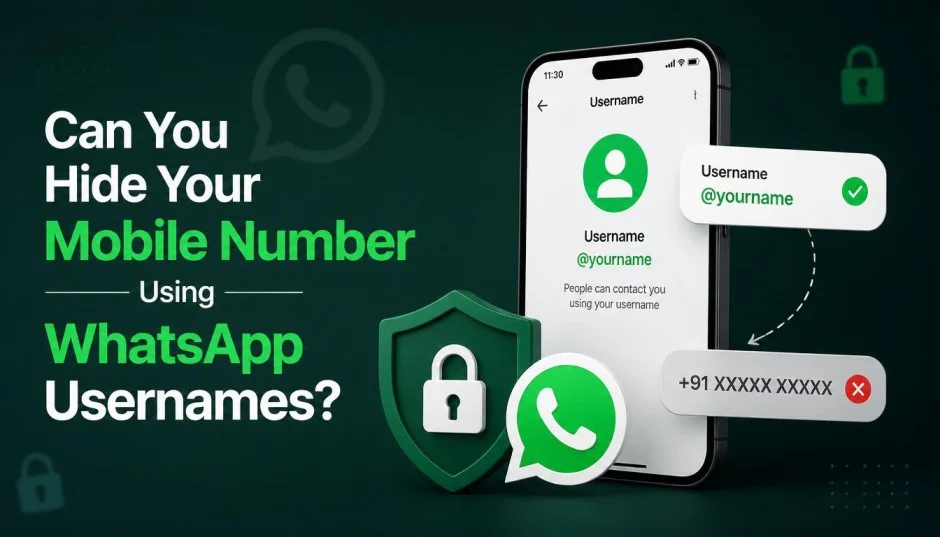
WhatsApp has finally introduced usernames. This feature lets you connect with people without revealing your phone number. It is a big shift for the app that has relied on phone numbers since 2009. The WhatsApp username change option is now rolling out globally to over three billion users .
You can reserve your username now through Settings > Account > Username . Once fully active, people can find you using your handle instead of your mobile number. But there are important details you need to know.
Does a WhatsApp Username Change Actually Hide Your Number?
Yes and no. It depends on who you are talking to.
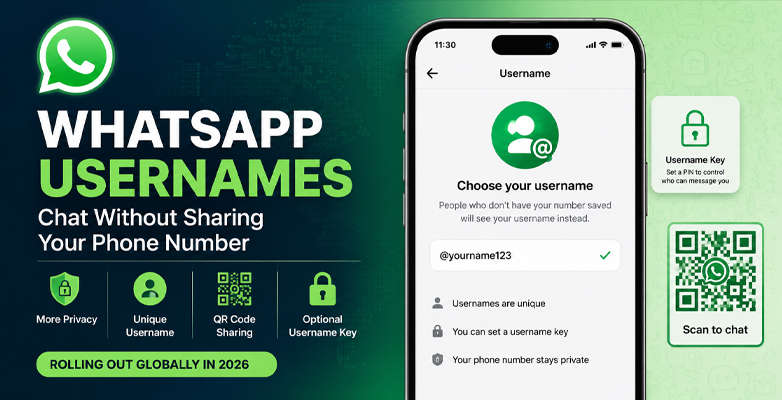
For new contacts: Your phone number stays hidden. If someone messages you using your username, they see your handle instead of your number .
Read Also: How to Set Up AI Agents to Handle Your Emails and Scheduling Autonomously?
For existing contacts: Your number remains visible. People who already have your number saved will still see it . The privacy protection only applies to future conversations.
For businesses: Different rules apply. If you adopt a business username, it will not hide your business phone number in the app .
Your phone number is still required to create and maintain your account. It remains linked for sign-in and recovery purposes . Think of it as a secondary identity layer, not a complete replacement.
How to Change Your WhatsApp Username?
The process is straightforward. Here is what I gathered from testing and official documentation.
Step 1: Open WhatsApp on your Android or iPhone.
Step 2: Go to Settings. On Android, tap the three-dot icon. On iPhone, tap the Settings tab at the bottom.
Step 3: Tap your profile name at the top.
Step 4: Select the Username option once it appears in the profile settings menu .
Step 5: Enter your desired username. The app checks availability automatically.
Step 6: Tap Save or Done to confirm.
The feature is rolling out gradually. You may need to update your app and wait if the option is not visible yet .
Username Rules You Must Follow
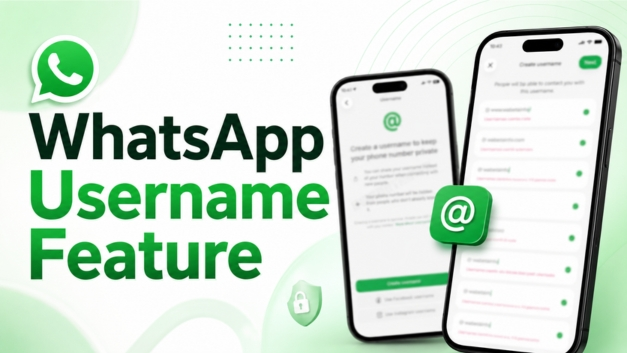
WhatsApp has specific format requirements. Your chosen WhatsApp username must meet these criteria :
-
Between 3 and 35 characters long
-
Contains at least one English letter
-
Only uses letters (a-z), numbers (0-9), periods (.), and underscores (_)
-
Cannot start with "www"
-
Cannot start or end with a period
-
Cannot have two consecutive periods
-
Cannot end with domain extensions like .com, .org, or .in
Case is ignored when comparing usernames. But periods and underscores matter. For example, "myid" and "myID" are the same username. But "my.id" and "my_id" are distinct .
Certain usernames are reserved. High-profile public figures and celebrities cannot have their names taken by others .
The Username Key Feature
WhatsApp added an extra layer of protection. It is called a username key .
This is optional. If you enable it, people need both your username and a four-digit key to message you . You can save the key or generate a new one anytime.
You Must Also Like: Role Of Tech In Enhancing Data Privacy
You can limit who contacts you from "Everyone" to "People who know my key" . This gives you more control over unwanted messages.
What the WhatsApp Username Change Means for Privacy?
This is one of the biggest privacy updates WhatsApp has made in years . Here is the honest take based on available information.
The good:
-
You can chat with strangers without giving out your number.
-
Useful for buyers, sellers, community groups, and business inquiries .
-
No public username directory exists. People need your exact username to find you .
-
Automated systems detect and block suspicious contact patterns .
The limitations:
-
No public directory means you must share your username directly. It is not searchable .
-
Your number stays visible to existing contacts.
-
Businesses cannot hide their phone numbers using usernames .
-
This does not make WhatsApp completely privacy-friendly. The app still collects metadata for marketing purposes .
Can You Change Your Username Later?
Yes. You are limited to one username at a time. But you can change it periodically . Changing your WhatsApp username does not affect your phone number, chats, or account history .
You can also delete your username entirely and revert to using only your phone number .
Who Should Use This Feature?
Content creators and public figures: Share a consistent identity without distributing personal numbers .
Small business owners: Make it easier for customers to connect while maintaining some privacy. But remember, your business number will still appear in the app .
Regular users: Useful for group chats, online marketplaces, or any situation where you want to limit who has your number.
Who should skip it: If you already share your number freely or only chat with existing contacts, this feature adds little value.
Is This Feature Available Yet?
WhatsApp started rolling out username reservations in late June 2026 . The full feature will launch gradually over the coming months . Users will receive an in-app notification when it becomes available in their country .
The reservation period lets you claim your preferred handle early. This is important because usernames are unique and first-come, first-served .
The Final Thoughts
This feature delivers on a long-standing user request . It gives you more control over how you show up on the app. But it is not a complete privacy shield. Your phone number remains tied to your account. For many users, that is enough.
If you want to connect with new people without handing out your personal number, this is a valuable tool. Just understand its limits. It hides your number from new contacts, not from everyone you already know.