I run a 7B model on a used RTX 3060. It cost me $220. And for six months, I never thought about what could go wrong. Then a friend asked me a simple question: "What stops the model from leaking your files if someone sends it a bad prompt?"
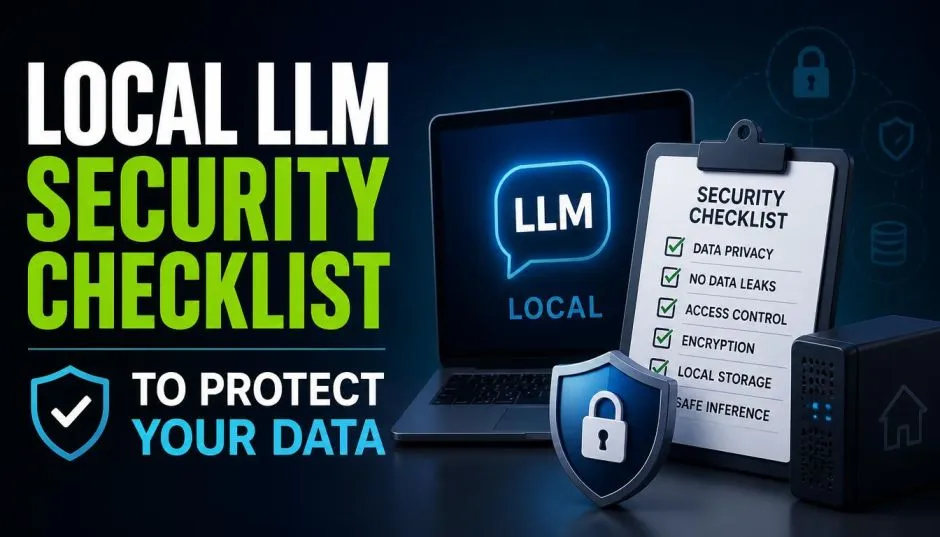
I didn't have an answer. That gap is exactly why a local LLM privacy audit checklist matters. Running a model on your own hardware keeps data off cloud servers.
It doesn't automatically keep that data safe. Here's the checklist I wish I'd had from day one, built from real hardware limits and the security gaps most guides skip.
The Hardware Math You Can't Skip
Before you audit anything, you need to know what your machine can actually run. The numbers are unforgiving.
Read Also: How to Sync Obsidian Notes With Google Drive Securely?
A 7B model at Q4 quantization needs about 4 GB of VRAM. It runs fast on almost anything modern. A 70B model at Q4 needs 24 GB minimum, and that's a tight fit on a single RTX 4090. You'll see partial offloading and slower speeds.
MoE models like Llama 4 Scout have a trick: only 17B parameters are active per token, but all 109B weights must fit in memory. That's 60 GB of weights before you add context cache.
The formula is simple: Weights plus KV cache plus overhead equals total VRAM. Miss the KV cache and your model crashes when you feed it a long document.
For most home users, a 16 GB card is the sweet spot. You can run 7B to 14B models comfortably and push into 32B with quantization.
If you're running an Local Large Language Model for sensitive data, start smaller than you think. A model that fits comfortably is safer than one that's constantly swapping to system RAM.
The Threat Model Nobody Talks About
Here's the uncomfortable truth about local LLMs. The perimeter doesn't protect you from AI-specific attacks.
Prompt injection is a content-plane attack. It crosses your network boundary inside a normal request. Someone doesn't need to breach your firewall to make your model ignore its instructions. They just need to type the right sentence.

The OWASP Top 10 for LLMs lists a dozen real attack scenarios. A compromised Python library. A tampered model weight file downloaded from a public repository.
You Must Also Like: VA Tech Wabag Share Price: What Every Investor Should Know?
A fake version of a popular model uploaded with the same name but malicious code inside. These aren't theoretical. They've happened.
When you download a model, you're trusting the source. That trust has to be verified, not assumed. Hash checks against the publisher's checksums. Signature verification where available. If neither exists, treat the download as a boundary and re-verify internally.
Your Privacy Audit Checklist (The Short Version)
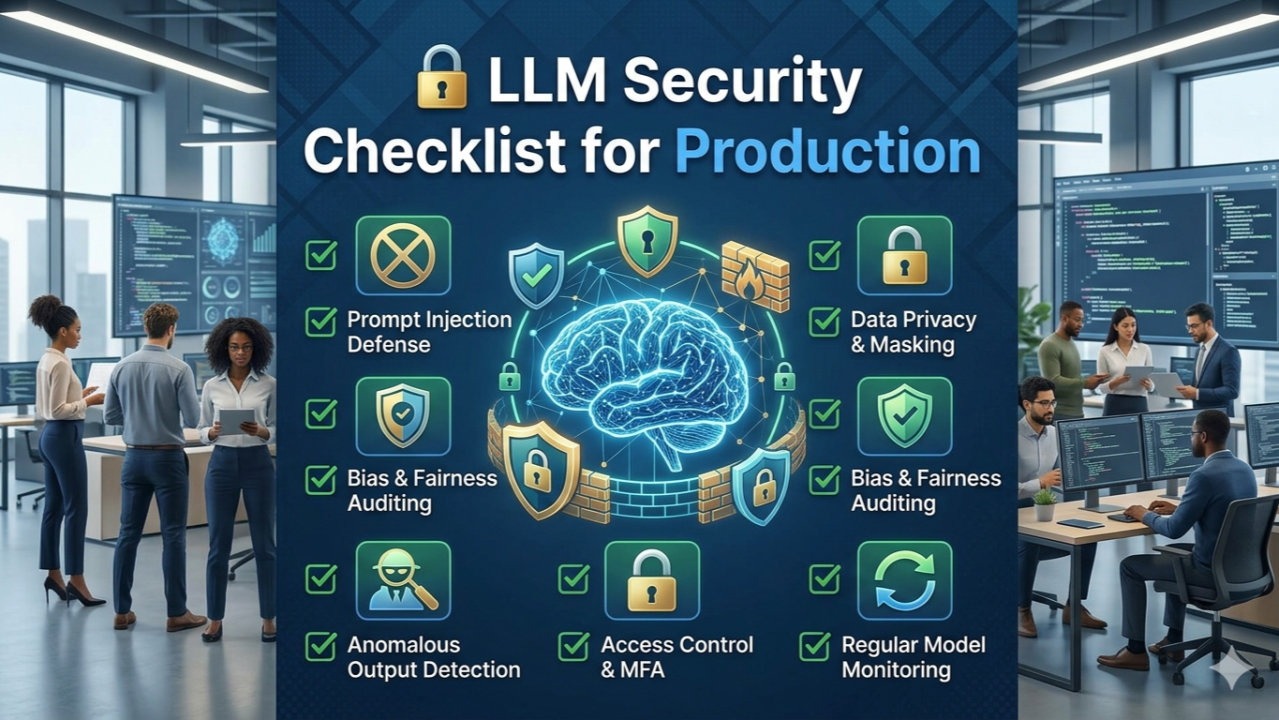
This is the part most guides bury under paragraphs. Here's the checklist I use now.
One: Verify your weights. Every model file gets a checksum against the publisher's reference. No exceptions. If you fine-tune, keep the base model checksum and training data manifest as attestable artifacts.
Two: Isolate the inference container. Your model server should run with read-only filesystem access to weights. No outbound network except what you explicitly allow. Minimal privileges. If the container gets compromised, it shouldn't be able to touch your host.
Three: Sandbox tool access. If your model can call APIs, run shell commands, or query databases, that access goes through a separate layer. The model doesn't get your credentials. The tool layer checks authorization before executing anything.
Four: Sanitize inputs and outputs. Local deployments don't come with cloud provider content filtering. You own that end to end. Prompt injection patterns. PII redaction in logs. Output truncation to prevent accidental disclosure.
Five: Log everything with retention rules. Every inference request gets logged: timestamp, user, model, token counts, and a redacted version of the prompt.
Hash chaining or write-once storage makes logs tamper-evident. GDPR requires documented retention justification for any log containing personal data.
The RAG Data Problem
If you're using retrieval-augmented generation, your vector database is part of your attack surface.
A common failure I've seen in enterprise deployments: the inference API has authentication, but the vector database sits on the internal network with none. Anyone who can reach it can query documents from other teams.
Namespace isolation fixes this. Pass the authenticated user's tenant identifier through to the retrieval layer. The query only returns documents from that user's namespace. It's not complicated. It's just easy to forget when you're focused on getting the model working.
For a home setup, the equivalent is simple: if you have a personal document store feeding your local model, encrypt it. Don't rely on network isolation alone. Your "local" network might not be as isolated as you think.
What Your Hardware Can't Fix?
I've seen people buy an RTX 5090 and assume their security problems are solved. They're not.
A faster GPU means bigger models and longer context. It doesn't mean better input validation. It doesn't mean your RAG pipeline is isolated. It doesn't mean your logs are tamper-proof.
The most secure local LLM setup I've seen runs a 7B model on a 12 GB card. The owner verifies every weight download. The inference container has no network access.
Prompts get sanitized before they reach the model. Logs go to an append-only store. The model itself is small. The discipline around it is large.
That's the real lesson of the local LLM privacy audit checklist. Hardware determines what you can run. Security practices determine whether running it is safe. You need both. And the second one costs nothing but attention.
If you're building a local LLM model requirements list, add a security column next to your VRAM column. The numbers on the right side of that table matter more than the ones on the left.